

THE DIGITAL STUDIO FOR TATTOO ARTISTS
From inspirationto your nextcreation.
Create a tattoo design, extract a stencil from a photo and compose your flash sheets. STENS helps tattoo artists prepare their next creations on iPhone.
iPhone app · 3 free creations per month in the app
 01 / 04
TODAY’S INSPIRATION
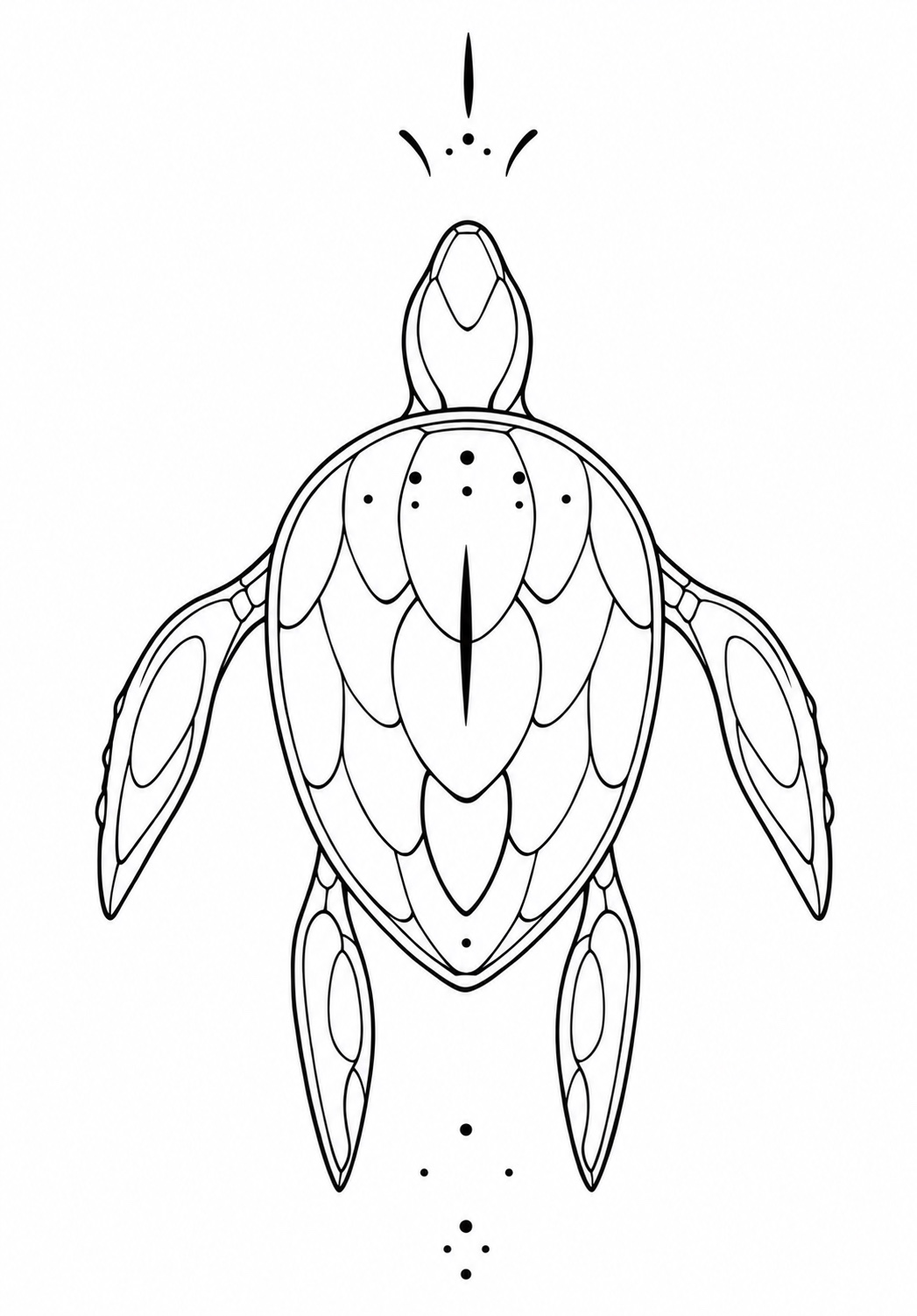
Ornamental turtle
A starting point for your next project.
ONE SPACE, MANY POSSIBILITIES
Let technique serve your vision.
Prepare a tattoo stencil
Start with a photo or sketch to prepare a stencil on a white background.
Refine the lines
Work on your drawing’s clarity with cleaning and enhancement tools.
Create a tattoo design
Describe an intention, composition or style to explore a new drawing.
Compose a flash sheet
Bring your creations together and prepare your export for printing.
FROM FIRST IDEA TO PROJECT
Stay in your creative flow.
Every result needs your artist’s eye. Check details and proportions before preparing the tattoo.
- 01
Import or imagine
Add a reference image or start with an idea.
- 02
Explore and adjust
Choose the right tools and review the result.
- 03
Export and prepare
Save your creation and prepare your sheet or print.
USEFUL ANSWERS
Before you start.
Can I explore STENS for free?
Yes. In the iPhone app, discovery access lets you start without signing up, with 3 free creations per month. You can then create an account to keep your projects.
What does STENS Pro include?
Weekly and monthly plans include 20 and 60 creation credits respectively, plus unlimited flash sheets. Prices and terms are displayed in the app before confirmation.
How do I manage my iPhone subscription?
iOS subscriptions are managed by Apple. View or cancel them in Settings → your name → Subscriptions on your iPhone. Deleting the app does not cancel a subscription.
Where can I find information about my data?
The privacy policy describes the data used and service providers needed for features, including image processing. It is available without signing in through the link below.
LET’S KEEP IN TOUCH
A question about STENS?
For help with your account, a purchase or a project, email us. Include the app version and describe the issue. Never share your password.
Email supportOpen the contact pagesupport@stensapp.com